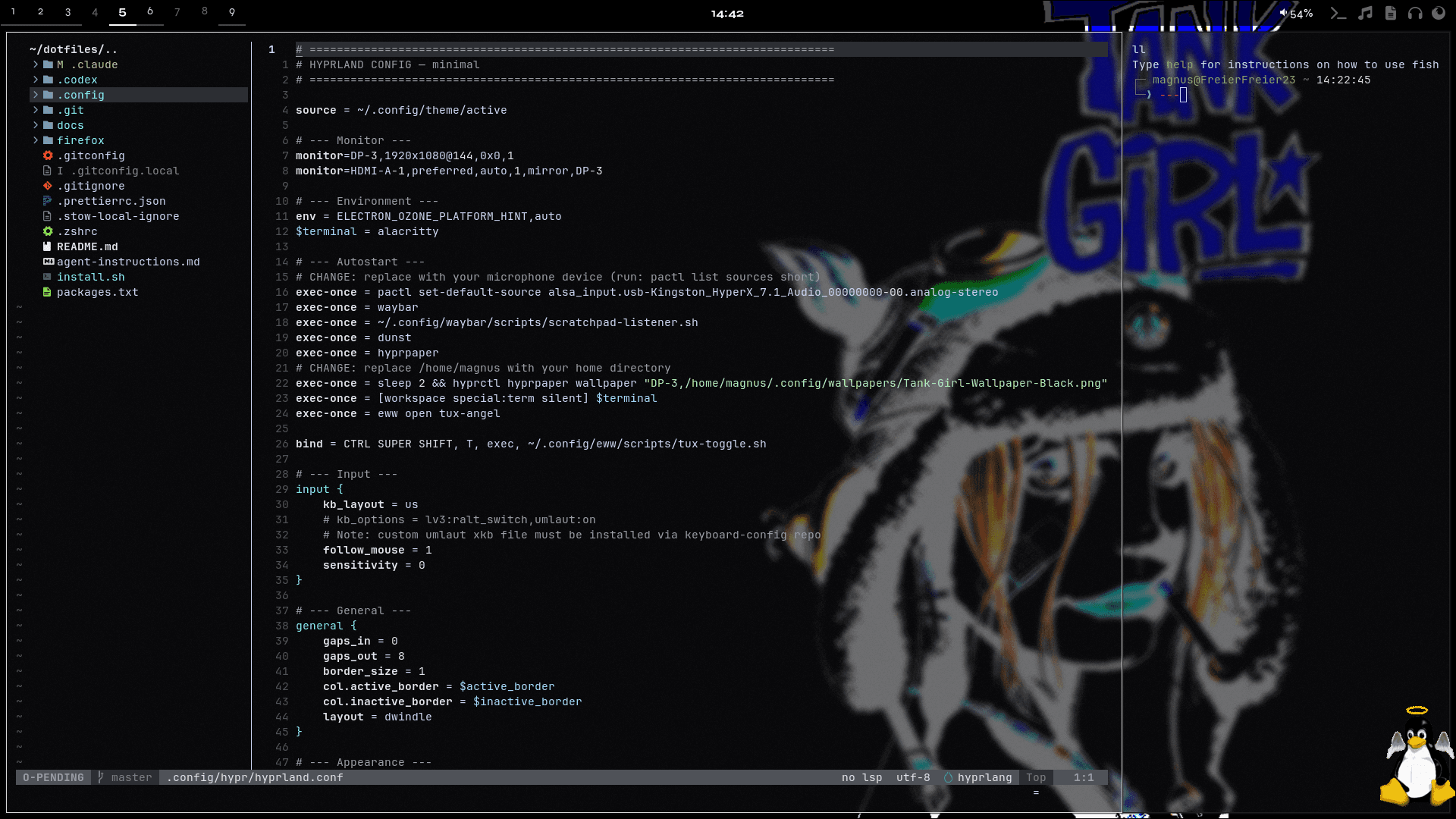
Setup Overview
This section documents the tools, configs, and workflows behind my daily setup. It combines real dotfiles, short tutorials, and practical context so the system is not just shown, but also explained.
The topics below cover the desktop, terminal, shell, notifications, widgets, Git, and supporting tools. Documentation files can be read as rendered guides, while config files stay available as raw source.


eww.yuck
.config/eww/eww.yuck
(defvar tux-visible true)

;; Generisches Tux-Widget: Pfad, Breite und Hover-Script werden je Fenster reingereicht.
;; Hoehe ist fix 136, Breite seitenverhaeltnis-korrekt pro Gif (sonst Stauchung).
(defwidget tux [path width onhover]
  (eventbox
    :visible tux-visible
    :onhover onhover
    (image
      :path path
      :image-width width
      :image-height 136)))

;; Engel: unten rechts (986x1061 -> Breite 126 bei Hoehe 136)
(defwindow tux-angel
  :monitor 0
  :geometry (geometry
              :x "0px"
              :y "16px"
              :width "126px"
              :height "136px"
              :anchor "bottom right")
  :layer "overlay"
  :exclusive false
  :focusable false
  (tux :path "/home/magnus/.config/eww/assets/tuxangel_small.gif"
       :width 126
       :onhover "~/.config/eww/scripts/tux-hide.sh &"))

;; Teufel: unten links (1034x1012 -> Breite 139 bei Hoehe 136)
(defwindow tux-devil
  :monitor 0
  :geometry (geometry
              :x "0px"
              :y "16px"
              :width "139px"
              :height "136px"
              :anchor "bottom left")
  :layer "overlay"
  :exclusive false
  :focusable false
  (tux :path "/home/magnus/.config/eww/assets/tuxdevil_small.gif"
       :width 139
       :onhover "~/.config/eww/scripts/tux-hide-devil.sh &"))