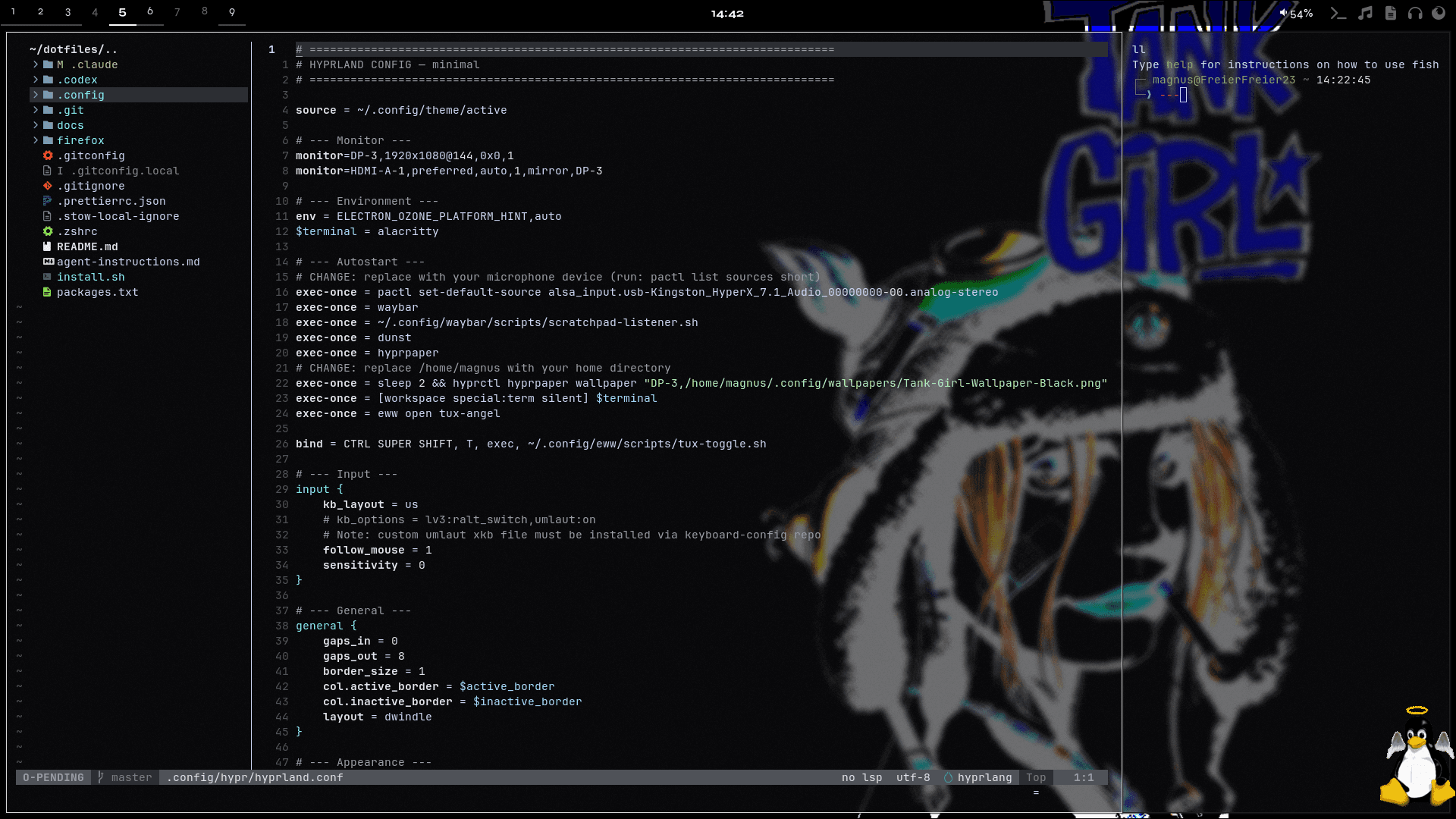
Setup Overview
This section documents the tools, configs, and workflows behind my daily setup. It combines real dotfiles, short tutorials, and practical context so the system is not just shown, but also explained.
The topics below cover the desktop, terminal, shell, notifications, widgets, Git, and supporting tools. Documentation files can be read as rendered guides, while config files stay available as raw source.
README.md
.config/fish/README.md
Shell
Fish is the daily shell.
Does
- Loads local user binaries into
PATH - Enables FZF keybinds when available
- Enables Zoxide directory jumping when available
- Keeps common Tmux actions behind short aliases
- Provides screenshot helper functions
Keybinds
Ctrl+R- Search command history through FZFCtrl+T- Search files through FZFAlt-C- Jump to directory through FZF
Aliases
ll- List files with detailstl- List tmux sessionstn- New tmux sessionta- Attach tmux sessiontk- Kill tmux session
Workflow
Use Fish for interactive shell work, FZF for search, Zoxide for directory jumps, and Tmux aliases for project sessions.