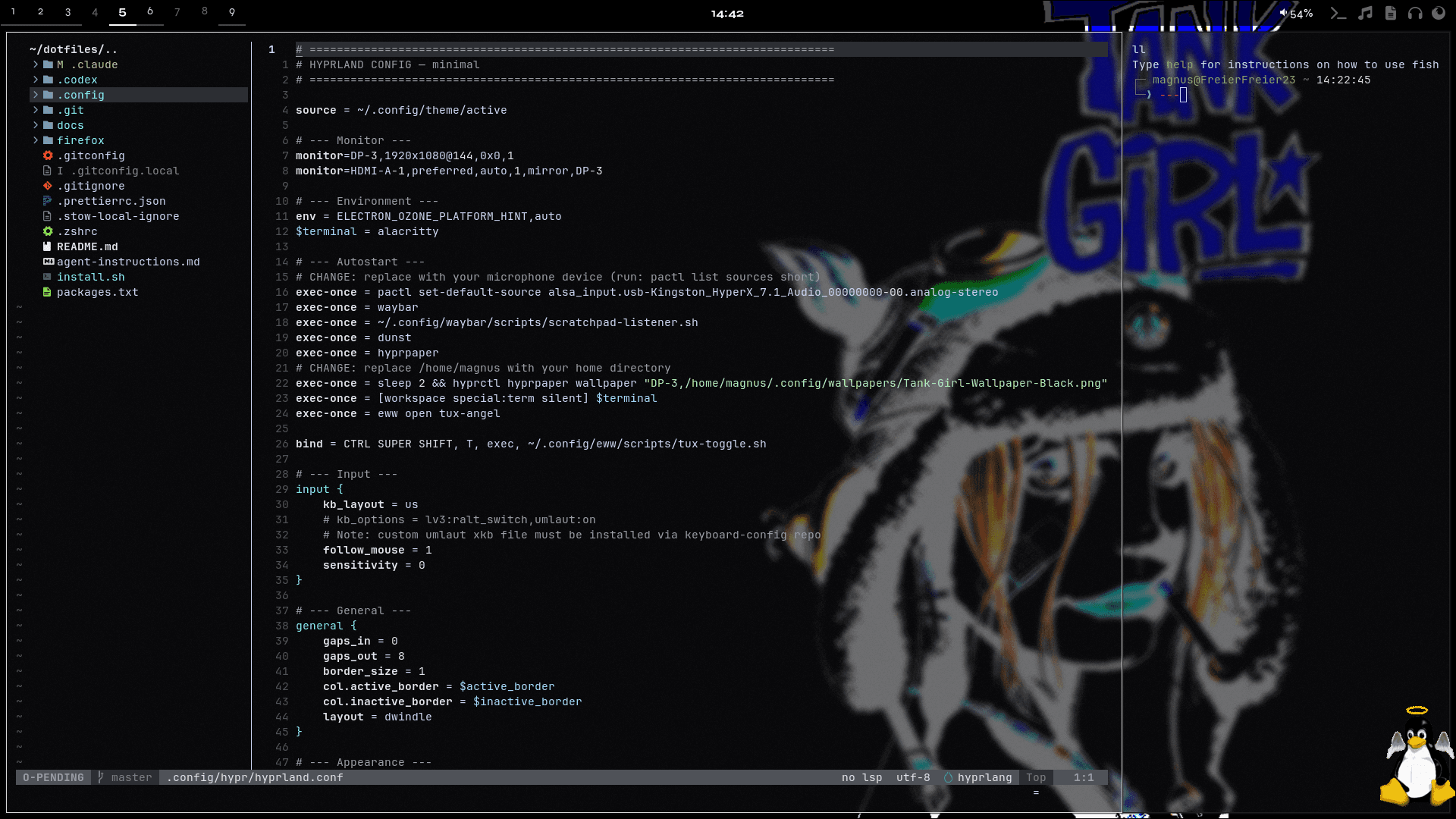
Setup Overview
This section documents the tools, configs, and workflows behind my daily setup. It combines real dotfiles, short tutorials, and practical context so the system is not just shown, but also explained.
The topics below cover the desktop, terminal, shell, notifications, widgets, Git, and supporting tools. Documentation files can be read as rendered guides, while config files stay available as raw source.
fonts.md
.config/tools/fonts.md
Fonts
Fonts are part of the terminal and desktop experience.
Installed Fonts
ttf-meslo-nerd- primary Nerd Fontttf-jetbrains-mono-nerd- secondary Nerd Font
Fontconfig
Fontconfig lives at .config/fontconfig/fonts.conf.
Does
- Keeps font fallback predictable
- Supports terminal icons and Nerd Font glyphs
- Helps Alacritty, Waybar, and shell tooling render consistently
Workflow
Use Nerd Fonts for terminals and status UI. Keep fallback rules in fontconfig instead of patching each app independently.